
How to Use ChatGPT Reminders to Stay Organized and Efficient
Reminders in ChatGPT turn conversations into action. They help me stay focused and sane as a business owner!

1. What ChatGPT Reminders Do
ChatGPT can schedule short-term or recurring reminders that trigger directly in your chat. For example:
“Remind me to send a thank-you email in 15 minutes.”
“Remind me every Monday to post our weekly update.”
2. When to Use Reminders
Reminders are ideal for:
Follow-ups: Client emails, proposal submissions, grant deadlines.
Meetings: Quick prompts to prepare notes or join a call.
Content tasks: Posting updates, sharing recaps, or sending drafts.
Daily operations: Checking analytics, invoicing, or reviewing reports.
Because they run inside the chat, you avoid context switching or relying on separate apps.
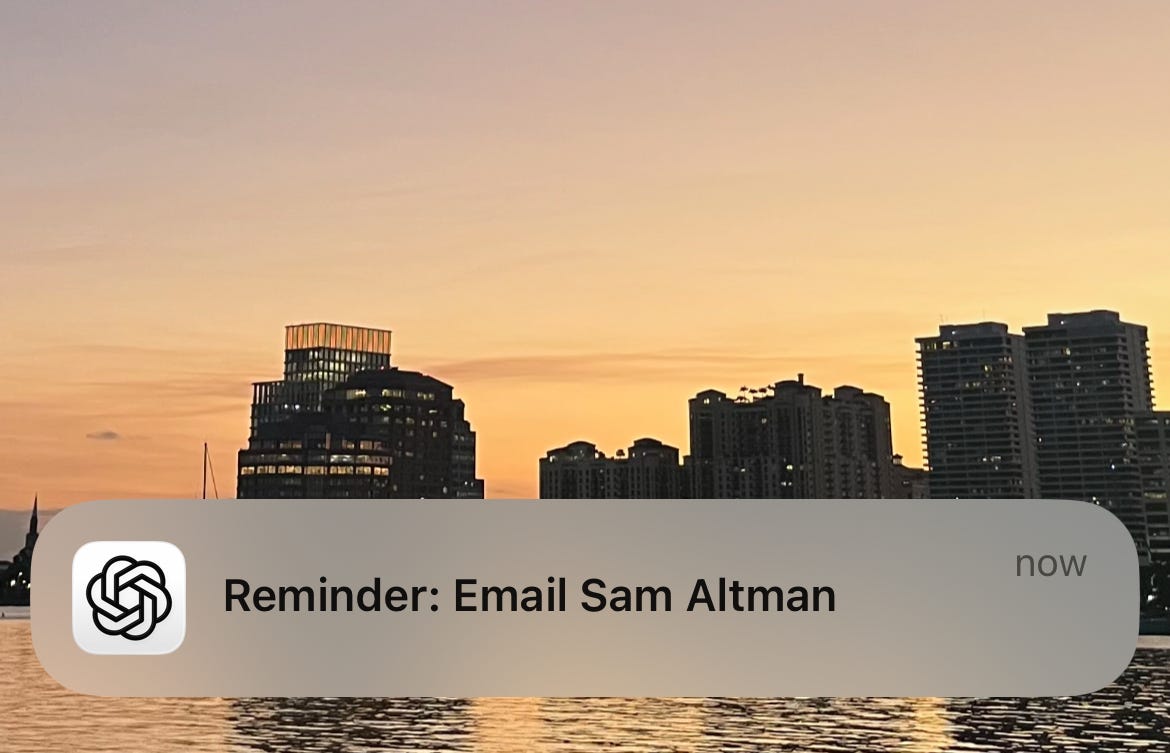
3. How to Set a Reminder
Simply type:
“Remind me to [task] in [timeframe].”
or
“Remind me every [day/time] to [task].”
ChatGPT confirms and schedules it. You can create recurring reminders, cancel them, or update timing as needed.
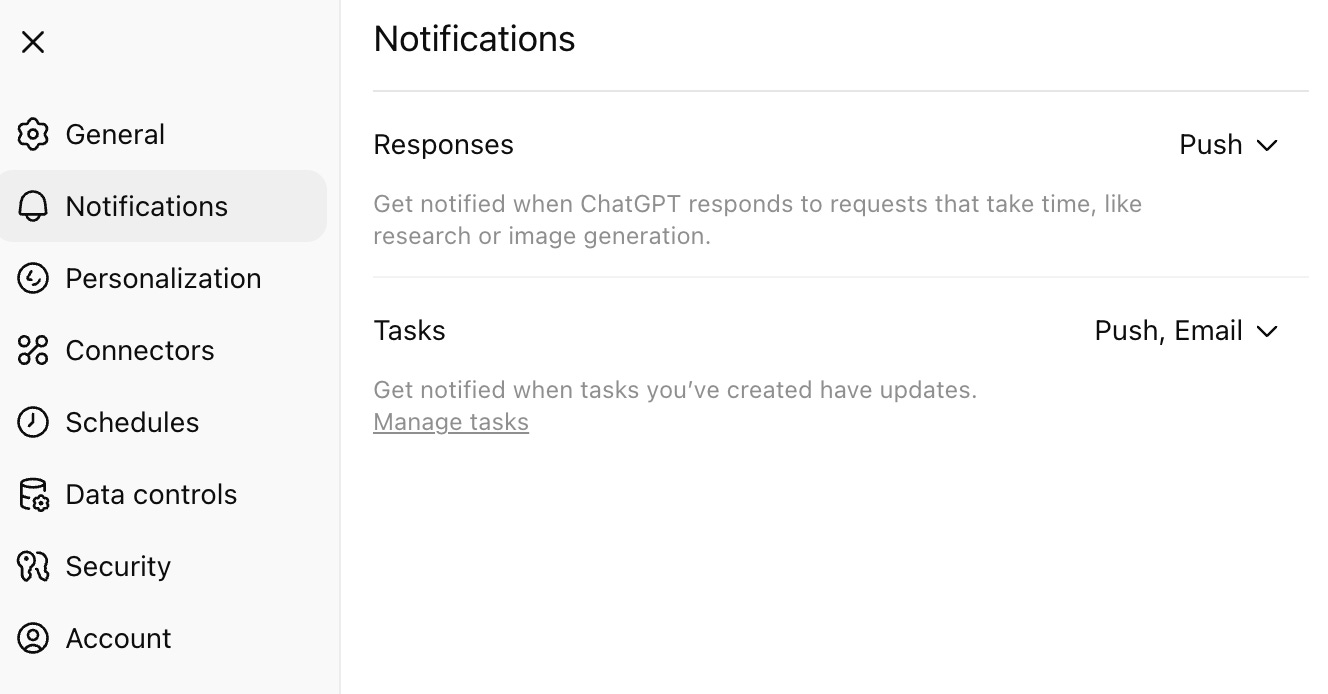
Make sure to enable notifications on your browser and phone! ChatGPT will also send you an email!
4. Why It Matters
Increases accountability: You see the reminder where your work happens.
Reduces mental load: No need to remember minor tasks.
Improves follow-through: Great for consultants, creators, and teams managing multiple priorities.
5. Best Practices
Be specific: “Send report to John at 3 PM,” not just “Send report.”
Combine reminders with notes: e.g., “Remind me tomorrow to send the email draft below.”
Use them as micro-deadlines to structure your day.